· The duetpad team
Designer-shaped AI tools vs engineer-centric CLI bots: which workflow wins in 2026?
Most developers now juggle more than one AI coding tool. People don't want to choose between a visual canvas and a terminal — they want both, connected. Here's how the two camps compare, and how to bridge them.
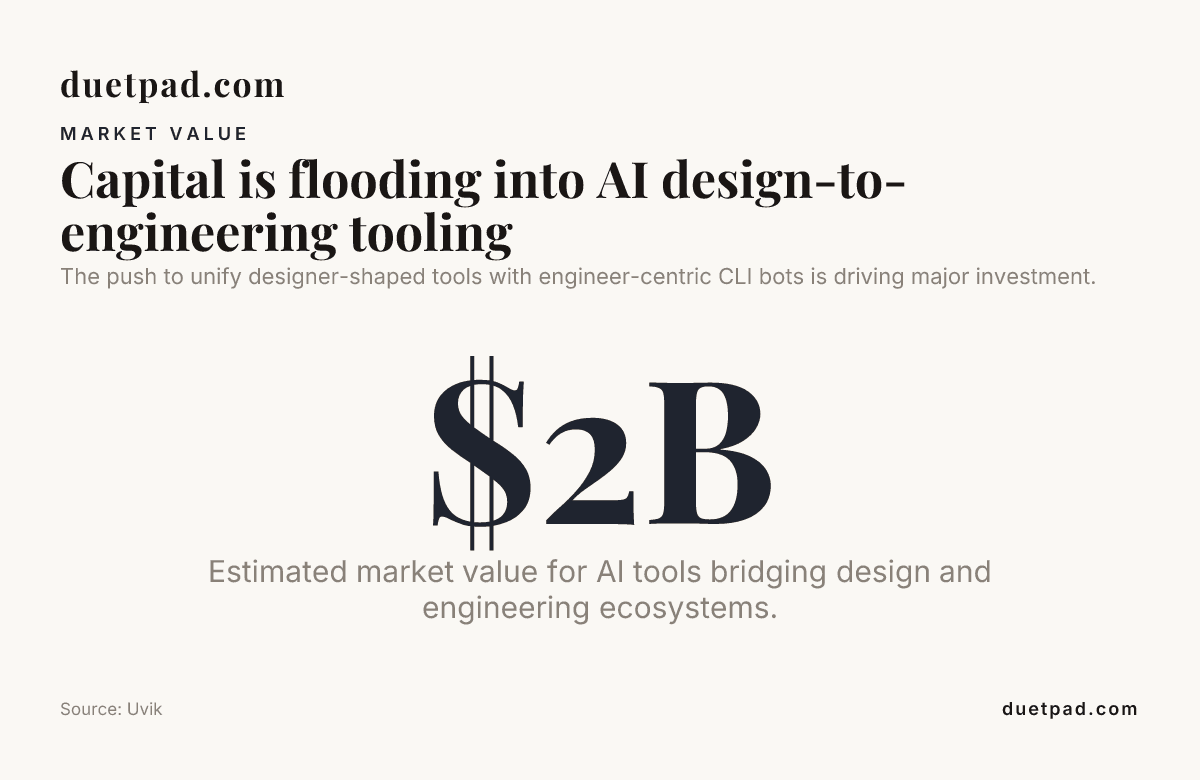
Most developers now juggle more than one AI coding tool rather than settling on just one, which tells you everything about the tension between designer-shaped AI tools vs engineer-centric CLI bots. People don't want to choose. They want a canvas where ideas live and a terminal where code ships, and they're tired of bridging the two by hand. duetpad sits right in that gap, giving you one shared canvas your AI reads on the first turn of every session, no re-briefing required.
Key takeaways
| Question | Answer |
|---|---|
| What's the core difference? | Designer-shaped tools give you a visual canvas with cards and context. Engineer-centric CLI bots live in the terminal and speak to your repo directly. |
| Do I have to pick one? | No. The best 2026 workflows pair a designer-shaped canvas with a CLI agent like Claude Code, connected through MCP. |
| What does duetpad cost? | $24/month, or $228/year — that's $19/mo billed yearly, a 20% saving. Every account starts with a 14-day free trial. No card required. A $75 beta one-time option exists too. |
| Do I need to buy a new AI? | No. You bring your own AI. Your Claude Pro or Max does the thinking. duetpad adds no usage charges. |
| How does setup work? | One line in your terminal where Claude Code runs. No keys to wrangle. See the getting started guide. |
| Is my work private? | Yes. Your canvas stays yours. Private by default. Share only when you choose. |
Designer-shaped AI tools vs engineer-centric CLI bots: the split explained
Two camps formed in 2026, and they don't talk to each other enough.
Designer-shaped tools give you a visual surface. You drag cards, arrange ideas, see the whole project in one place. Think of an AI design platform or AI design app where the interface is built for people who think in layouts, personas, and journeys. You see what the AI sees. You shape it together.
Engineer-centric CLI bots live in the terminal. They read your repo, edit files, run tests, and ship commits. Claude Code is the poster child. You type a command, the agent does the work, and you watch the diff scroll by. Fast. Powerful. But you can't see the plan.
The friction shows up at the handoff. You brief your design in a visual tool, then re-explain it to your CLI agent. Watch your AI think on one canvas — and stop re-pasting the plan into every new chat. That's the whole problem.
Why designer-shaped AI tools win for planning and context
Stop re-briefing. That's the pitch in one line.
Designer-shaped tools keep your ideas, plans, and docs in one place your AI reads on the first turn of every session. Open a new session and everything's already there: the decisions, the plan, the open questions. Your AI picks up context without you typing a summary.
This matters because walls of text kill momentum. A canvas with cards lets your AI scan structured information instead of parsing a chat thread. Rest on a card and your AI reads it with you, no copying, no describing. A hundred cards stay as readable as ten.
For anyone using AI-powered design tools or an AI design generator, the pattern is familiar. You don't want an encyclopedia. You want one clear action this week. The canvas format delivers that. Your AI sees the whole board, understands relationships between cards, and responds with context intact.
Generic project advice ignores your specific decisions, so the output misses. A shared canvas fixes that.
Why engineer-centric CLI bots win for execution
CLI bots ship code. That's their lane and they own it.
Claude Code reads your repo, edits files in place, runs your test suite, and commits. You stay in the terminal. No context switching. 69% of developers always keep a terminal open, which means the CLI agent is already where they work.
The execution speed is real. Daily AI tool users merge 60% more pull requests per week than non-users. When your AI can touch the filesystem directly, there's no copy-paste tax. No exporting from a design tool and pasting into an editor.
But here's the gap. CLI bots don't hold your project memory. Start a new session and you're re-explaining what you're building. The terminal is a blank slate every time. Your AI doesn't remember the decisions you made last Tuesday.
That's where the re-briefing pain comes from. You lose context at the boundary between planning and execution.
Designer-shaped AI tools vs engineer-centric CLI bots: the bridge
The answer isn't picking a side. It's connecting them.
duetpad is built for exactly this. It's a designer-shaped canvas that speaks MCP, the same protocol your CLI agent understands. You plan on the canvas. Your AI reads it. When you're ready to ship, you export a build brief straight into your repo.
Here's how it works in practice:
- You shape the canvas. Cards, notes, decisions, open questions. All visible. All structured.
- Your AI reads the whole board. Not a summary you typed. The actual canvas, card by card.
- You connect via one line. Paste it in the terminal where Claude Code runs. That registers duetpad with your AI. No keys to wrangle.
- You export a build brief. Your plan becomes a CLAUDE.md file your CLI agent picks up automatically.
Whatever you're typing stays yours. Your AI's changes never overwrite a field while your cursor's in it. You'll never lose a sentence mid-keystroke. One shared canvas — your AI picks up your changes each time it acts.
What about Canva AI and other AI design tools?
People searching for Canva AI design or a Canva AI logo generator are looking for visual output. They want pixels, not repos. That's a different problem.
An AI graphic design generator or artificial-intelligence design generator produces images, layouts, and branded assets. Useful. But it doesn't hold your project context. It doesn't remember why you chose option B over option A last week. It generates, you paste, and the context dies there.
The distinction matters. AI designing tools that focus on visual output are production tools. Designer-shaped AI tools that focus on a shared canvas are thinking tools. duetpad is the latter. It's where your plan lives, where your AI reads context, and where you export to whatever downstream tool you use, whether that's a CLI agent or a visual design app.
Quick comparison: canvas-first vs CLI-first vs visual-generation
| Feature | Canvas-first (duetpad) | CLI-first (Claude Code) | Visual-gen (Canva AI) |
|---|---|---|---|
| Project memory | Yes, across sessions | No, starts fresh | No |
| Visual workspace | Yes, cards and canvas | No, terminal only | Yes, design-focused |
| Code execution | Via export to CLI | Native, direct | No |
| MCP support | Yes, native | Yes, native | No |
| Best for | Planning + context | Shipping code | Visual assets |
| Pricing | $19/mo billed yearly ($24 monthly), BYO AI | Claude Pro/Max | Varies |
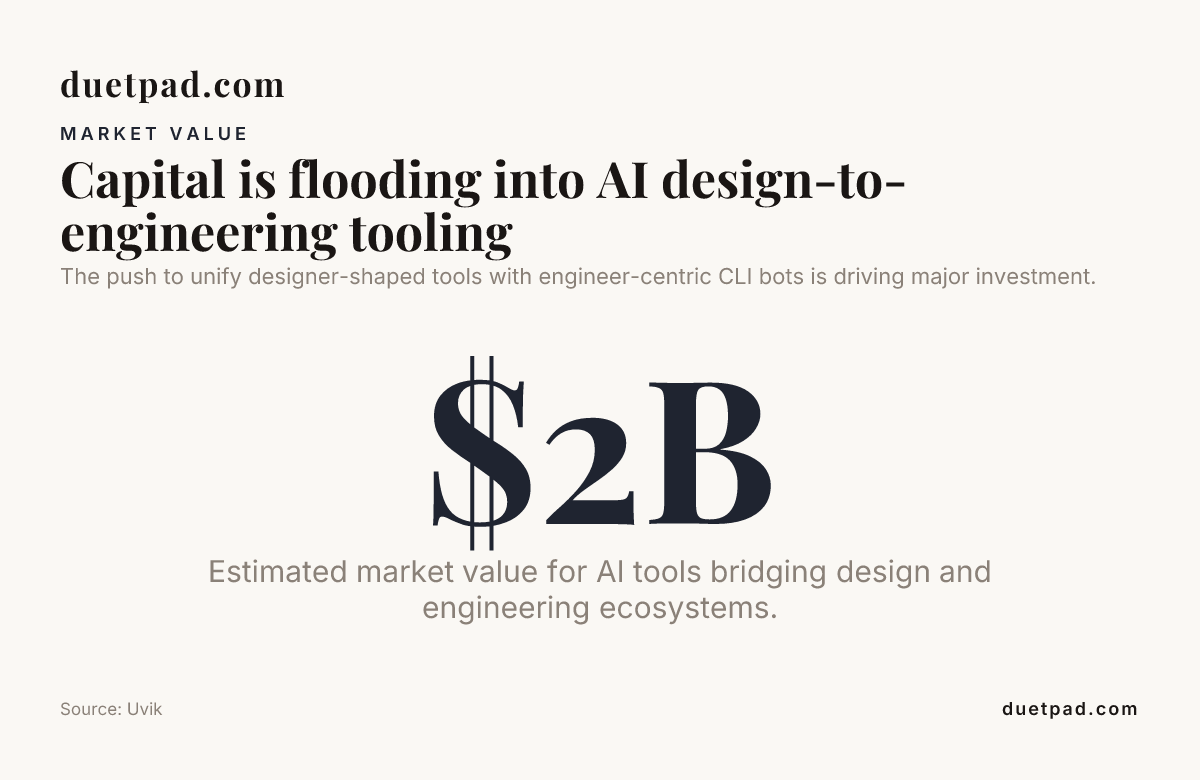
The push to unify designer-shaped tools with engineer-centric CLI bots is driving major investment.
How duetpad connects designer-shaped thinking to CLI execution
The setup is deliberately simple. We hate complexity in onboarding.
You start with a free trial. No card. Nothing to install. Open your first canvas in a click.
Then you connect your AI. It gives you one line. Copy it, paste it in the terminal where Claude Code runs. That registers duetpad with your AI. No keys to wrangle, no API configuration, no YAML file to edit.
From there, your AI reads the whole canvas and works alongside you. You type, it reads. It writes, you see — it picks up your changes each time it acts. Whatever you're typing stays yours. Your AI's changes never overwrite a field while your cursor's in it.
When you're ready to ship, export a build brief. Your plan, decisions, and context become a markdown file your CLI agent ingests. The handoff that used to take a re-brief now takes a paste.
What you get for $24/month
- One shared canvas. Notes, docs, ideas, and decisions your AI sees and acts on.
- Memory and knowledge graph. Your AI remembers your project across sessions. No re-briefing.
- One shared board. Your AI works the same canvas and picks up your changes each time it acts.
- Build export. Ship a clean brief into your coding workflow.
- Any-kind engine. Your AI renders new doc types on the fly: SWOT grids, launch plans, whatever you need.
- No AI charges. Your own Claude Pro or Max does the AI work. duetpad adds no usage charges.
Designer-shaped AI tools vs engineer-centric CLI bots: trust and privacy
29% of developers trust AI accuracy in 2026, down from 40% the previous year. Usage is up, trust is down. That gap matters.
When you don't trust your AI, you re-check everything it produces. You re-brief because you're not sure it understood. You paste context repeatedly because you're not sure it retained anything. The lack of trust creates the re-briefing loop.
A shared canvas breaks that loop. Your AI reads the same board you're looking at. You see what it sees. Trust improves when the context is visible and shared, not hidden in a thread you can't scan.
Privacy is the other trust factor. Your canvas is private by default. Shares are controlled. Your work stays yours unless you choose otherwise. The duetpad approach is built-in, not bolted on.
Real workflow: from canvas to terminal in 2026
Here's what a typical session looks like when you bridge designer-shaped and engineer-centric tools.
- Open your canvas. Your decisions, personas, and open questions are already there from last session. Your AI reads them on the first turn.
- Add a card. Describe the feature you want to build this week. Your AI reads it alongside you.
- Discuss on the canvas. Your AI writes suggestions on adjacent cards. You edit. It picks up your changes each time it acts.
- Export the brief. One click. Your plan becomes a CLAUDE.md file.
- Switch to terminal. Claude Code picks up the brief. Reads the repo. Ships the code.
- Close the loop. Update a card with what shipped. Your AI remembers for next time.
No re-briefing. No pasting project context into a chat window. No walls of text. One canvas, one terminal, one workflow.
Conclusion
The debate between designer-shaped AI tools vs engineer-centric CLI bots is the wrong frame. You need both. The canvas holds your plan, your context, and your decisions. The terminal ships your code. The bridge between them is MCP, and duetpad is the canvas that speaks it.
Watch your AI think, instead of reading what it wrote. Stop re-briefing. Start on a canvas your AI reads on the first turn, export a clean brief, and let your CLI agent do what it's best at. Bring your own AI. No extra AI bills. No keys to wrangle. One line to connect.
$24/month, or $19/mo billed yearly. 14 days free. Start here.
Frequently asked questions
What's the difference between designer-shaped AI tools and engineer-centric CLI bots in 2026?
Designer-shaped AI tools give you a visual canvas with cards, context, and project memory. Engineer-centric CLI bots like Claude Code live in the terminal and execute code directly. The split comes down to planning vs execution, and the best workflows connect both through MCP.
Can I use duetpad with Claude Code?
Yes. duetpad speaks MCP natively. You paste one line in your terminal where Claude Code runs, and your AI registers with the canvas. No keys to wrangle. Your AI reads the whole canvas and you export a build brief directly into your repo.
Do I need to pay for AI on top of duetpad?
No. You bring your own AI. Your existing Claude Pro or Max subscription does the thinking. duetpad charges $24/month for the canvas, memory, and structure — or $19/mo billed yearly. No usage charges, no extra AI bills.
Is duetpad a replacement for Canva AI or other AI design tools?
No. Canva AI and similar AI design apps produce visual assets like logos and layouts. duetpad is a thinking canvas where your project context lives and your AI reads it. They serve different purposes. duetpad handles planning and context, then exports to whatever downstream tool you use.
How does duetpad keep my work private?
Your canvas is private by default. Nothing leaves unless you share a link. Whatever you're typing stays yours. Your AI's changes never overwrite a field while your cursor's in it. Shares are controlled and revocable.
What does it cost to try duetpad in 2026?
A 14-day free trial with no card required. After that, $24/month or $228/year (that's $19/mo billed yearly). A $75 beta one-time option is also available. See the pricing page for details.
Why is project memory important for AI workflows?
Without memory, you re-brief your AI every session. You paste context, explain decisions, and lose momentum. With a memory-enabled canvas, your AI reads the whole project on the first turn. Open a new session and everything's already there. No re-briefing, no walls of text, no lost context.